
From removing junk files to freeing up valuable storage space, SysNet Cleaner helps simplify routine PC maintenance. Designed for modern Windows systems, it provides a convenient way to keep your computer running smoothly.

Remove temporary files, leftover data, and unnecessary clutter that can accumulate over time. Keep your storage more organized with routine cleanup.

Reduce the impact of unwanted files and background clutter that may affect responsiveness. Enjoy a smoother everyday computing experience.

Schedule routine cleanup tasks to help manage unnecessary files automatically. Maintain a cleaner system with less manual effort.

Locate duplicate files, images, and documents stored across your system. Free up valuable storage space by removing unnecessary copies.

Manage Startup
Quick boot time by removing unnecessary programs that slow your PC’s startup & shutdown.

Windows Repair
Find and protect frequent Windows issues by default to keep your system stable.

Junk File Cleanup
Regain disk space by deleting all temporary files and unnecessary system jumble.

Privacy Cleaner
Safeguard your personal data by deleting browsing history, cookies, and other privacy risks.

Registry Optimization
Remove invalid entries and tidy up your Windows registry for better PC performance.
Duplicate File Remover
Detects and safely deletes duplicate photos, videos, and files to get valuable storage.

Simple design which is effortless for everyone.

Experts help whenever you need it the most.
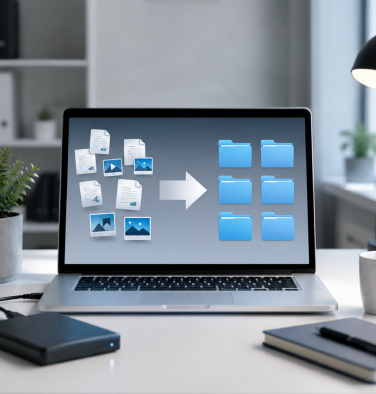
Manage junk files and keep your storage space better organized.

Start optimizing your PC in no time.


SysNet Cleaner is a software utility designed to assist with system maintenance, organization, and optimization activities. Results may vary depending on device configuration, operating system, installed applications, and overall system condition. Nerds Expert does not guarantee specific performance outcomes. All trademarks and brand names referenced on this website are the property of their respective owners.
© 2026 Nerds Expert All rights reserved.